Disclosure: I am an independent affiliate of HighLevel, not an employee. I may earn a commission if you sign up through my links, at no additional cost to you.
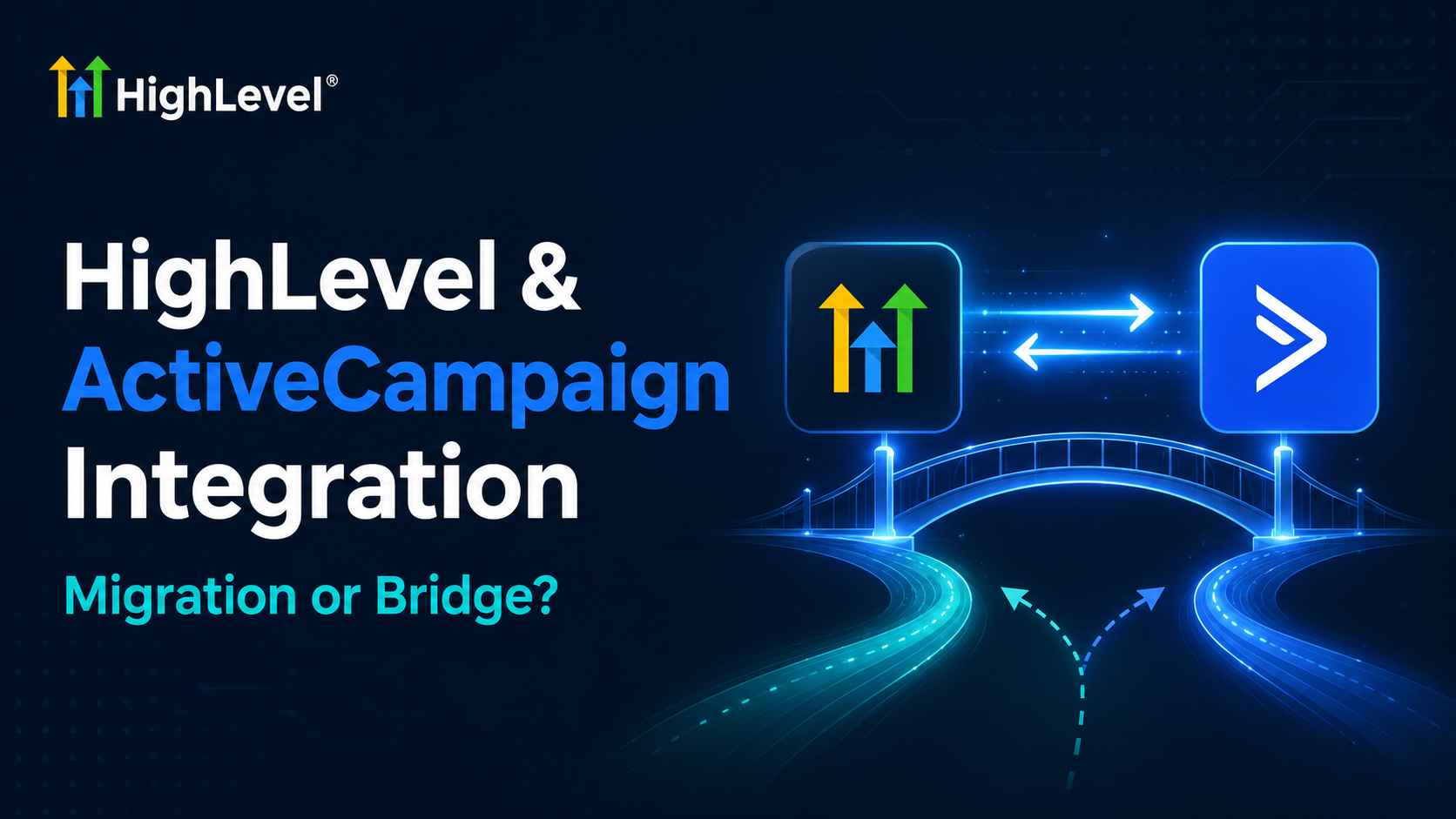
A GoHighLevel ActiveCampaign integration is usually one of two projects: a migration, where you are moving off ActiveCampaign and want contacts, tags and scoring to land intact, or a bridge, where both stay running and data syncs between them.
They need completely different setups, so decide which one you are doing before touching anything. This guide covers both, with the actual menu paths inside GoHighLevel.
Migration or Bridge? Decide First
| Your situation | Recommended route |
|---|---|
| Replacing ActiveCampaign with GoHighLevel | Full migration. Export, map fields, rebuild automations, then cut over. |
| Keeping ActiveCampaign for email, GoHighLevel for CRM and calls | Middleware bridge. Sync contacts both ways. |
| Agency with clients on both | Bridge per client, migrating them individually over time. |
Running both permanently is the option most people regret. Two systems holding contact data means two sources of truth, and reconciling them costs more than the migration would have.
Before You Export Anything: Prepare the Destination
The commonest migration failure is importing into an account that has nowhere to put the data. Fields that do not exist are dropped silently, with no error. Set these up first, all inside the sub-account under Settings:
| Set up first | Where | Why it matters |
|---|---|---|
| Custom Fields | Settings → Custom Fields | Every ActiveCampaign custom field needs a match here or the data vanishes |
| Custom Values | Settings → Custom Values | The equivalent of AC personalisation tags used across templates |
| Pipelines | Settings → Opportunities & Pipelines | Where AC lifecycle tags become real stages |
| Objects | Settings → Objects | For records that are not contacts, such as properties or policies |
| Lead scoring | Settings → Manage Scoring | Rebuild AC scoring rules here before import |
| Email sending | Settings → Email Services | Authenticate the domain early so warm-up can start |
Doing this after the import means re-importing. Half an hour of setup here saves a full redo later.
Option 1: Migrating From ActiveCampaign
Step 1 — Export from ActiveCampaign
Go to Contacts and export to CSV, including custom fields and tags. Export lists separately if your segmentation depends on them, because list membership does not survive a flat export cleanly. Pull your engagement reports too if you need the history, since it will not come with you.
Step 2 — Import using the native tool
GoHighLevel has a dedicated importer at Settings → Import Data. It walks you through mapping each CSV column to a field, which is where the custom fields you created earlier get used. Run a test with 20 rows before importing 20,000.
Step 3 — Split tags into tags and pipeline stages
This is the conceptual difference that trips people up. ActiveCampaign leans on tags for everything, including where someone sits in your process. GoHighLevel separates the two:
| ActiveCampaign tag | Becomes in GoHighLevel |
|---|---|
| lead, mql, sql, customer | Pipeline stages in an opportunity |
| webinar-attendee, downloaded-guide | Stay as tags |
| plan-pro, region-north | Custom fields, not tags |
| score-hot, score-warm | Manage Scoring rules |
Migrating every tag as a tag technically works and produces an unusable account. Spending an hour re-categorising is the single highest-value step in the whole migration.
Step 4 — Rebuild automations rather than porting them
There is no automation import path, and that turns out to be an advantage. ActiveCampaign automations are email-only. Once you rebuild in the GoHighLevel workflow builder you can add SMS, calls, voicemail drops and WhatsApp to the same sequence.
Rebuild the logic, not the steps. A five-email nurture in ActiveCampaign often becomes a three-email, two-SMS sequence that performs better.
Step 5 — Warm the sending domain before cutting over
This is where migrations fail publicly. Your ActiveCampaign sending reputation does not transfer — it belongs to their infrastructure. Authenticate your domain under Email Services and ramp volume gradually instead of mailing the full list on day one. Our email integration guide covers LC Email, Mailgun and SMTP.
Step 6 — Verify before switching off ActiveCampaign
Keep the old account live and paid for at least one billing cycle. Check contact counts match, spot-check 20 records for populated custom fields, run one workflow end to end with a test contact, and confirm scoring fires. Settings → Audit Logs shows what actually happened if something looks wrong.
Try GoHighLevel free for 30 days →
Option 2: Bridging Both With Middleware
If both platforms stay, you need a connector. All four work; they differ mainly on cost at volume.
| Tool | Best for | Trade-off |
|---|---|---|
| Zapier | Fastest to set up, widest catalogue | Per-task cost climbs quickly |
| Pabbly Connect | Installable from the GoHighLevel marketplace, flatter pricing | Smaller catalogue than Zapier |
| Make | Visual branching and field transformations | Steeper learning curve |
| n8n | Self-hosted, cheapest at high volume | You maintain the server |
Worth knowing: Pabbly Connect is the most-installed automation app in the GoHighLevel marketplace, with over 245,000 installs — considerably ahead of the alternatives. Agencies syncing many sub-accounts tend to move off per-task pricing fast.
Typical sync patterns
- New GoHighLevel contact creates or updates an ActiveCampaign contact.
- ActiveCampaign tag applied triggers a GoHighLevel workflow.
- GoHighLevel opportunity stage change writes back to an ActiveCampaign field.
- Unsubscribe in either system propagates to the other — skip this one and you will mail people who opted out.
Avoid the sync loop
The classic failure: an update in one system triggers an update in the other, which triggers another update back, and you burn your task quota overnight. Add a filter so syncs only fire on genuine changes, or exclude the field the automation itself writes to.
The cheaper alternative: webhooks
The GoHighLevel workflow builder can fire a webhook as a native action, and ActiveCampaign accepts inbound webhooks. For simple one-directional syncs this removes the middleware bill entirely. If you need scoped API credentials for a custom script, generate them under Settings → Private Integrations rather than exposing a full account key.
What Does Not Carry Over
| Asset | Transfers? | What to do |
|---|---|---|
| Contacts and custom fields | Yes | CSV via Settings → Import Data |
| Tags | Yes | But re-categorise into stages, tags and fields first |
| Automations | No | Rebuild in the workflow builder |
| Lead scores | No | Recreate the rules under Manage Scoring |
| Sending reputation | No | Authenticate and warm up again |
| Email templates | Partly | Copy the HTML across, then fix merge fields |
| Open and click history | No | Export reports before you cancel |
| Forms and landing pages | No | Rebuild, and update embed codes on your site |
What You Gain After Migrating
Worth listing, because it changes what you should rebuild rather than copy:
- SMS and voice in the same workflow as email, instead of a separate tool.
- WhatsApp, which has its own settings entry under Business Services.
- A real sales pipeline rather than lifecycle tags.
- The AI Employee suite — Conversations AI, Voice AI, Reviews AI and Content AI, billed per use. See our AI Employee guide.
- Ad lead-form field mapping for Facebook, TikTok and LinkedIn, configured under Settings → Integrations.
- Sub-accounts and white-labelling, if you run an agency.
For the wider picture of what connects to what, see our GoHighLevel integrations directory.
A Realistic Timeline
| Phase | Typical duration | What happens |
|---|---|---|
| Prepare destination | Half a day | Custom fields, values, pipelines, scoring, domain authentication |
| Export and test import | Half a day | CSV out, 20-row test, then full import |
| Rebuild automations | 2 to 5 days | Depends entirely on how many you actually still use |
| Domain warm-up | 2 to 4 weeks | Runs in parallel. Do not compress this. |
| Parallel running | 1 billing cycle | Both live while you verify |
Most people audit their automations during this and find half are no longer used. Migrate what earns its keep.
Frequently Asked Questions
Does GoHighLevel have a native ActiveCampaign integration?
No. There is no official direct connector. You connect them through middleware such as Zapier, Make, n8n or Pabbly Connect, or migrate using CSV export and the built-in Import Data tool.
Can I import ActiveCampaign automations into GoHighLevel?
No. Automations must be rebuilt in the GoHighLevel workflow builder. Most people use the opportunity to add SMS and call steps that were not possible in an email-only tool.
What happens to my ActiveCampaign lead scores?
Scores do not transfer. Rebuild the rules under Settings then Manage Scoring in GoHighLevel before importing, so contacts start scoring correctly from day one.
Will my email deliverability transfer?
No. Sending reputation is tied to the sending infrastructure. Authenticate your domain under Email Services and increase volume gradually over two to four weeks.
How do I import my ActiveCampaign contacts?
Export to CSV from ActiveCampaign, create matching custom fields in GoHighLevel first, then use Settings then Import Data to map each column. Fields without a match are dropped silently.
Should I run GoHighLevel and ActiveCampaign together long term?
Usually not. Contact data in two systems creates two sources of truth, and ongoing reconciliation typically costs more effort than completing a migration.
Related Posts