

GoHighLevel reporting: dashboards, attribution and reports your clients actually read
Leer en español: Reportes en GoHighLevel · Ler em português: Relatórios no GoHighLevel · Part of all GoHighLevel features
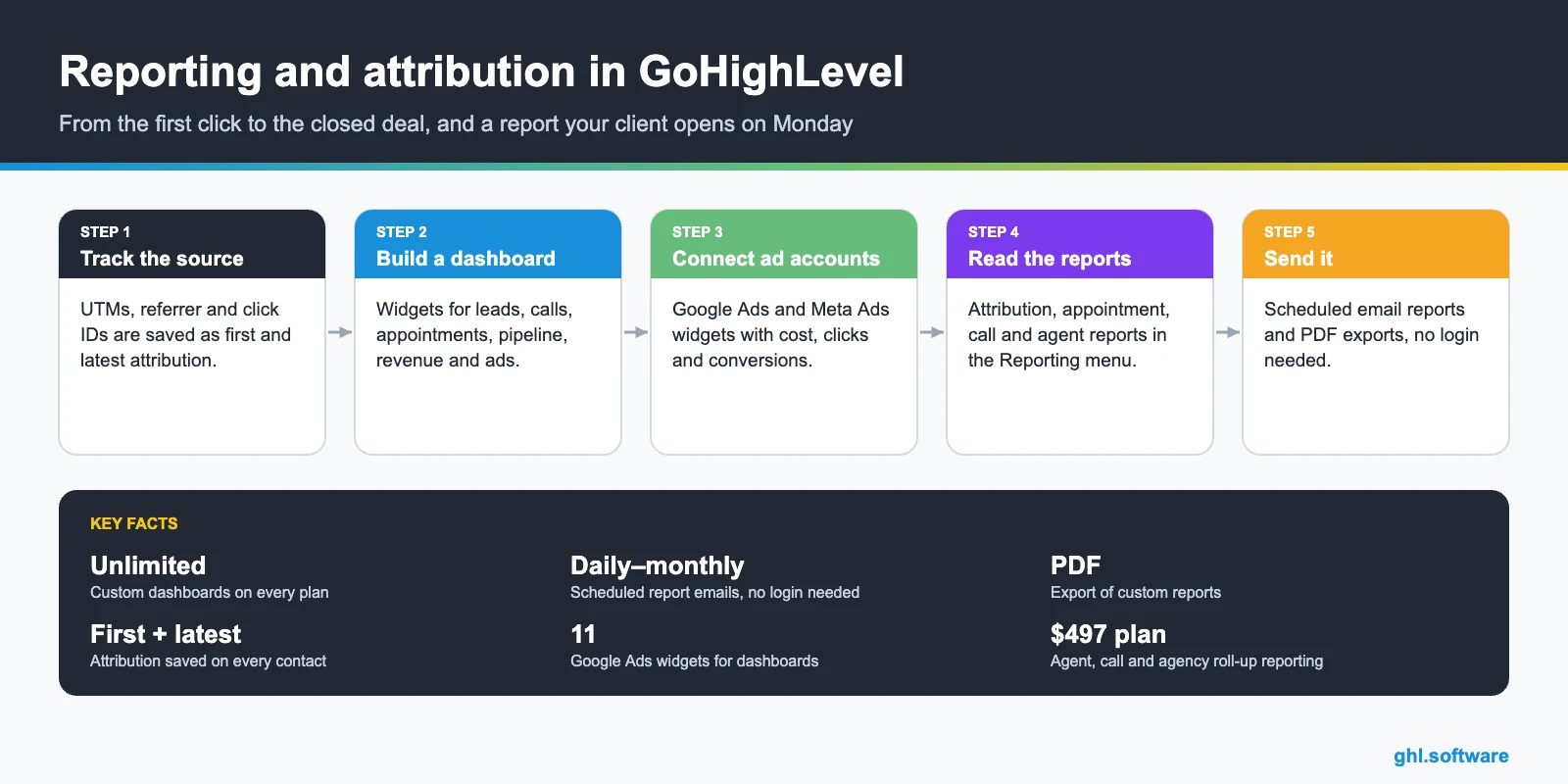
GoHighLevel reporting includes unlimited custom dashboards on every plan, custom reports you can schedule by email or export as PDF, first and latest attribution on every contact, Google Ads and Meta Ads widgets, and built-in appointment, attribution, call and agent reports. Call reporting, agent reporting and the agency roll-up across sub-accounts are listed on Agency Pro.
Based on HighLevel’s reporting help articles, updated between November 2025 and September 2026.
A roofing company spends $4,000 a month on Google Ads and $2,000 on Facebook. At the end of the month the owner asks the question every agency dreads: “which one is working?”. If the answer lives in three tabs, a spreadsheet and a guess, the client starts shopping for another agency. GoHighLevel reporting exists to answer that question with data from the same system that captured the lead, booked the inspection and closed the job.
This guide explains how attribution is recorded, what you can put on a dashboard, which built-in reports exist, how to send a branded report every Monday without logging in and which reports require the Agency Pro plan.
What GoHighLevel reporting includes
How attribution works
Attribution is recorded when a contact completes a tracked action in the same session: a form or survey, a calendar booking, the chat widget after sharing contact details, or a one- or two-step order form. Forms on other websites can be tracked with External Tracking.
| What HighLevel captures | Details |
|---|---|
| UTM parameters and page URL | utm_source, utm_medium, utm_campaign and the rest, case-sensitive |
| Referrer | The referring domain, when the browser sends it |
| Ad click IDs | Google (gclid, wbraid, gbraid), Microsoft (msclkid) and Click to WhatsApp (ctwa_clid) |
| First attribution | The first recorded interaction; it never changes |
| Latest attribution | The most recent interaction; it updates every time |
Each contact is classified into a source category: Paid Search, Paid Social, Organic Search, Social Media, Referrals, Direct Traffic, Others (calls, SMS, email, WhatsApp, Facebook messages), CRM UI or Third-Party (for example Zapier). The Reporting menu also has attribution views with conversion and source data, such as closed revenue by source.
Attribution is only saved if the visitor converts on the page where the UTMs loaded. If they browse to another page first, the data can be lost, so put the form or a pop-up on the landing page. HighLevel also notes that utm_source=facebook is deprecated in favor of fb_ad.
Dashboards and widgets
- Create the dashboard. Dashboard > Add Dashboard. Make it private or set access for agency users, account admins and account users.
- Start with suggested widgets. The Quick Start page suggests widgets; add the rest manually.
- Connect ad accounts. Settings > Integrations > Google Ads, then use the 11 Google Ads widgets: cost, clicks, impressions, conversions, CPC and campaign breakdowns. Meta Ads widgets work the same way.
- Brand and organize. Apply your theme and colors, set a default dashboard and duplicate it for each client.
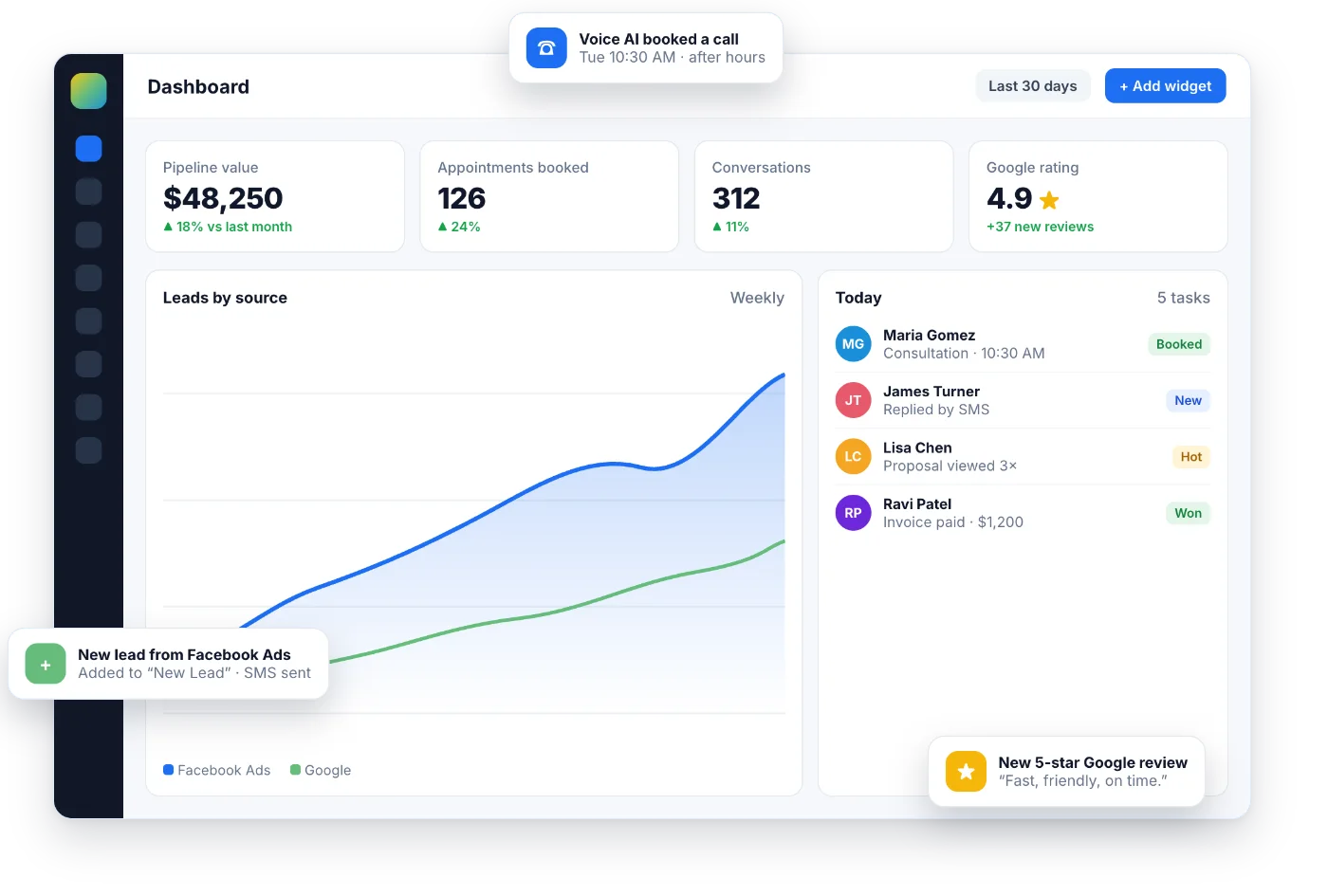
- Review weekly. Leads by source, appointments booked, pipeline value and cost per lead in one screen.
If your agency adds a PPC markup in Ad Manager, the widgets can reflect that markup in the cost shown to the client. CRM and pipelines.
Built-in reports in the Reporting menu
| Report | What it shows | Plan noted by HighLevel |
|---|---|---|
| Attribution (conversion and source) | Revenue and closed opportunities by source, referrers, campaigns and session events | All plans |
| Appointment report | Appointments by status, channel and source, top calendars and users, busiest weekdays, cancellations and reschedules | All plans |
| Call reporting | Incoming calls answered, missed or busy, first-time calls, top call sources, outgoing calls, top agents, CSV export | Agency Pro |
| Agent reporting | Opportunities, conversion, SMS, email and call metrics per user, leaderboard, date comparisons | Agency Pro |
| Agency rolled-up reporting | Up to 8 columns per sub-account: users, appointments, contacts, email, SMS, calls, submissions, WhatsApp, reviews and more | Agency Pro |
Sending reports to clients
Scheduled emails are a snapshot of the values when they were generated. The Report Scheduler only sends when at least four cards have non-zero values. Scheduling from Agency View requires the $497 plan.
Who uses GoHighLevel reporting
Agencies proving ROI
One custom report per client, scheduled every Monday, with leads by source, cost per lead and booked appointments. Agency Pro adds the roll-up across all clients.
Local businesses
Calls, bookings and reviews in one place, so the owner sees which marketing made the phone ring.
Sales teams
Agent reporting and leaderboards to coach reps on follow-up and closed deals.
GoHighLevel reporting vs separate reporting tools
Dedicated reporting tools connect to many data sources and offer deeper visual customization. GoHighLevel reporting wins when the data is already in HighLevel: the lead source, the conversation, the appointment, the opportunity and the payment live in the same contact record, so attribution does not depend on stitching tools together. Many agencies use HighLevel reports for clients and keep a dedicated BI tool only for complex, multi-platform analysis.
The bootcamp link gives you 30 days instead of 14, enough to connect your ad accounts, track a campaign and send your first scheduled report.
Start the 30-day trialAffiliate link. I may earn a commission at no extra cost to you.
Frequently asked questions
What reports does GoHighLevel include?
Custom dashboards with widgets, custom reports you can schedule and export as PDF, attribution reports, an appointment report, call reporting, agent reporting and, for agencies, a rolled-up view across all sub-accounts. Some of these are listed on the Agency Pro plan.
Are custom dashboards included in every plan?
Yes. HighLevel lists unlimited custom dashboards and fully customizable reports on the $97, $297 and $497 plans.
How does attribution work in GoHighLevel?
When a contact submits a form, survey, calendar booking, chat widget or order form, HighLevel records the session source: UTM parameters, referrer and click IDs such as gclid or msclkid. It keeps the first attribution forever and updates the latest attribution with each new interaction.
Can I send reports to clients automatically?
Yes. Custom reports can be emailed daily, weekly or monthly to any email address, and recipients do not need a HighLevel login. You can also download them as PDF.
Can I see Google Ads and Facebook Ads results in HighLevel?
Yes. Connect Google Ads in Settings > Integrations to use 11 Google Ads widgets (cost, clicks, impressions, conversions, CPC and campaign breakdowns). Meta Ads widgets are also available for dashboards.
Which reports need Agency Pro?
HighLevel’s help articles list call reporting, user/agent reporting and the agency rolled-up view across sub-accounts on the Agency Pro plan ($497/month). Scheduling reports from Agency View also requires that plan.
Related: CRM and pipelines · Ad Manager · phone system · calendars · Agency Pro
Sources: How to create a custom dashboard (updated November 25, 2025) · Custom reports, scheduling and PDF export (updated August 6, 2026) · Report Scheduler (updated September 30, 2026) · Understanding attribution source (updated August 26, 2026) · Google Ads widgets for dashboards and reporting (updated July 14, 2026) · Call Reporting · User / Agent Reporting · Appointment Report · Agency rolled-up reporting (updated January 29, 2026) · Attribution report tutorial (Growthable).

