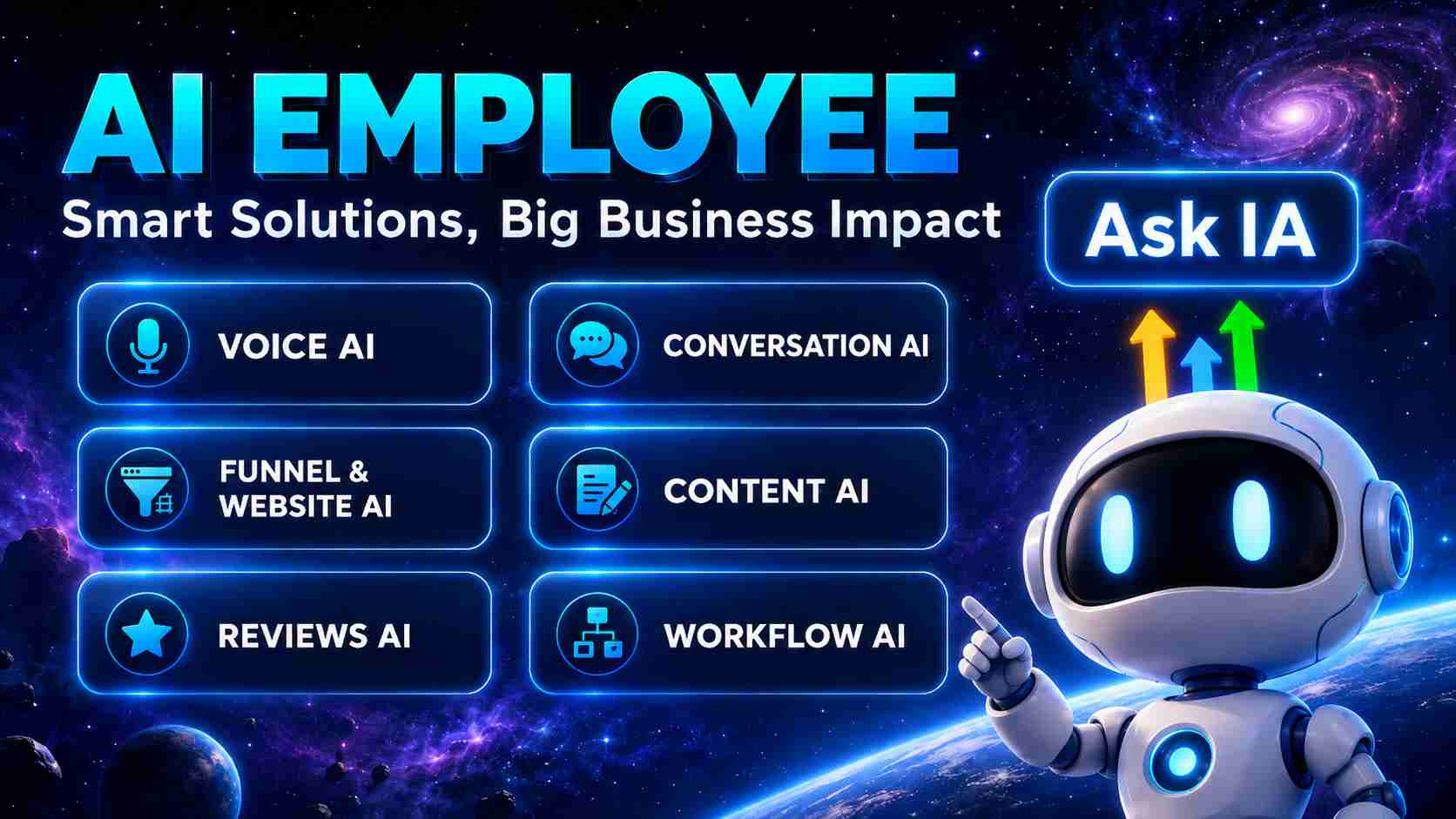
Quick answer: The GoHighLevel AI Employee is a suite of seven AI tools — Voice AI, Conversation AI, Reviews AI, Content AI, Workflow AI, Funnel AI and Ask AI — that answers your calls, chats with leads, writes your content, manages reviews and builds automations 24/7. It costs $97/month per subaccount with unlimited core usage (or $50/month for the Growth tier, or pure pay-as-you-go), on top of any GoHighLevel plan.
What Is the GoHighLevel AI Employee?
Think of the AI Employee as a full-time team member that never sleeps. Instead of hiring a receptionist, a copywriter, a community manager and an automation specialist, HighLevel bundles those roles into AI tools that live inside your CRM and work directly with your contacts, pipelines and calendars.
Because everything runs natively in GoHighLevel, there is nothing to integrate: the AI reads your business data, responds on your channels (phone, SMS, webchat, WhatsApp, Facebook, Instagram) and logs every interaction in the contact record.
Start Your 30-Day FREE Trial →
The 7 Tools Inside the AI Employee
1. Voice AI — your AI receptionist
Answers inbound calls 24/7, qualifies callers, answers questions from your knowledge base and books appointments straight into your calendar. In 2026 it added a full analytics dashboard (call outcomes, sentiment, booking rate). See our detailed Voice AI guide and the AI Receptionist service.
2. Conversation AI — omnichannel chat
Replies to leads on SMS, webchat, WhatsApp, Facebook and Instagram with human-quality answers trained on your business. Works with the AI Chat Widget 2.0 and can hand off to a human at any point. New in 2026: the AI Appointment Setter mode, which pushes every conversation toward a booked call. More context in What is Conversational AI.
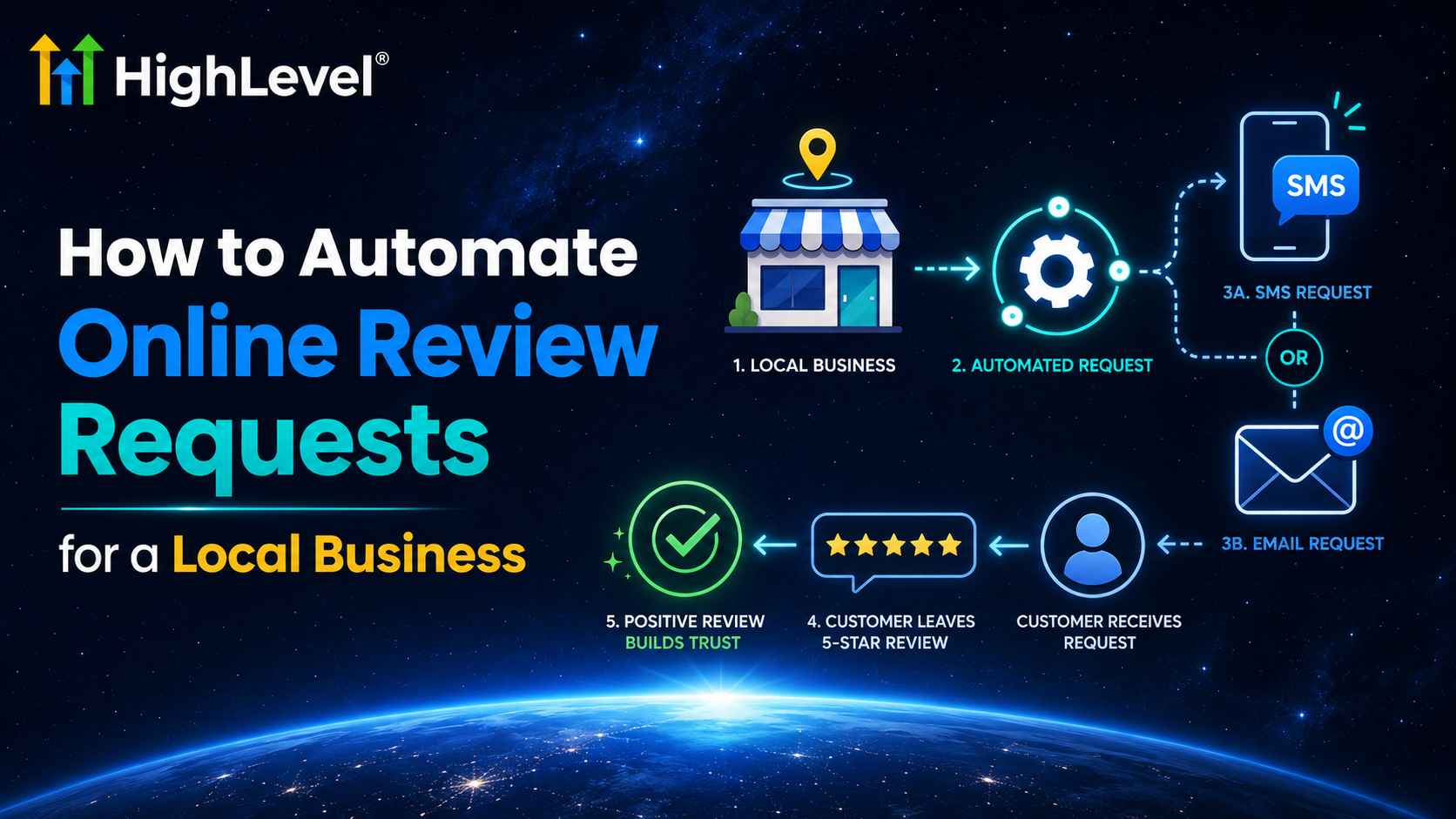
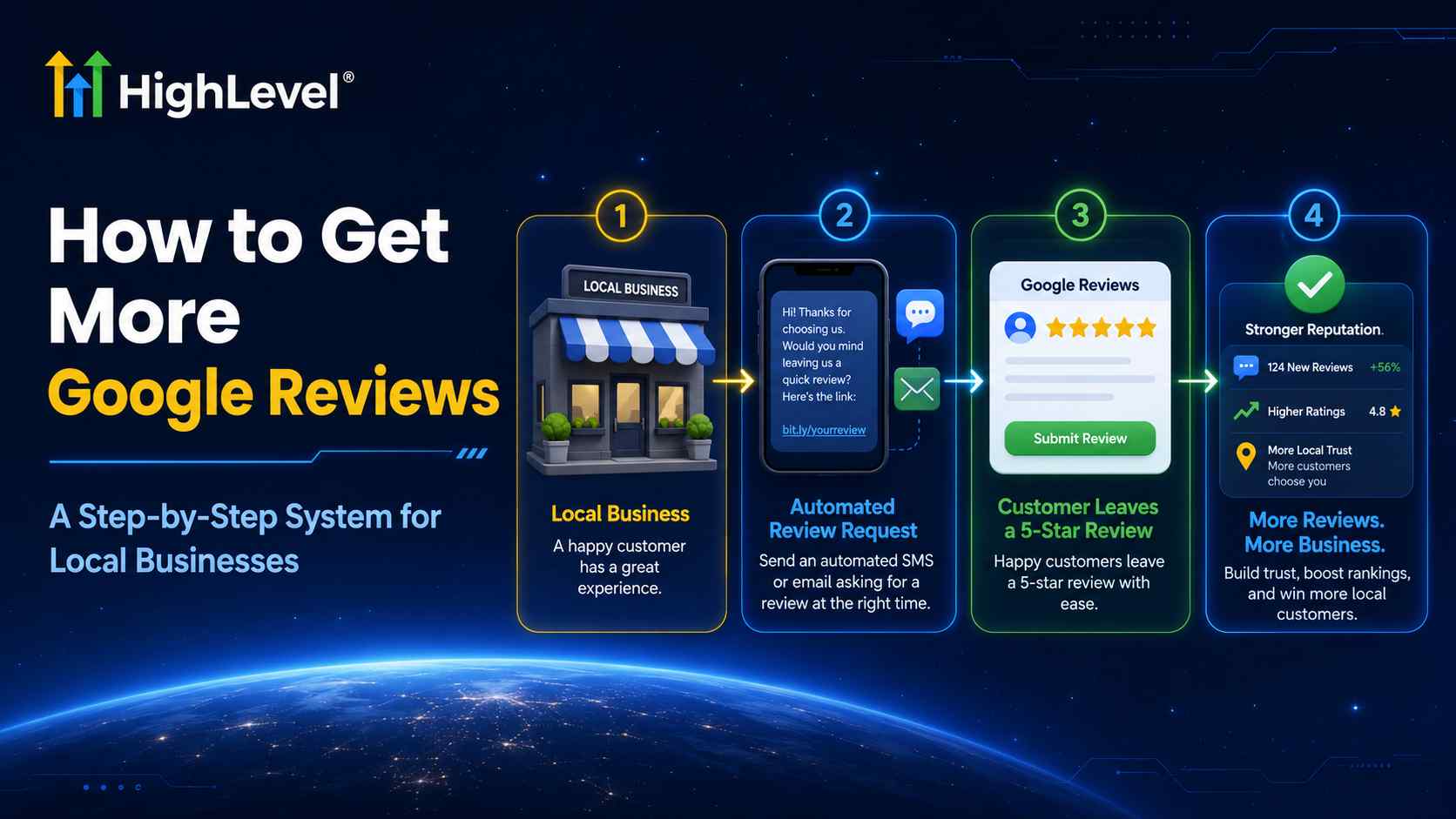
3. Reviews AI — reputation on autopilot
Monitors Google and Facebook reviews and responds automatically with on-brand replies, protecting your local SEO while you sleep.
4. Content AI — your in-house copywriter
Generates emails, social posts, blog drafts and image content inside funnels, email builder and the social planner.
5. Workflow AI — automations from a prompt
Describe the automation you want in plain English and Workflow AI builds the workflow for you — triggers, conditions and actions included. Launched mid-2026, it is the fastest way to automate follow-up without learning the workflow builder.
6. Funnel AI — pages that build themselves
Answers a few questions about your offer and generates a ready-to-launch funnel with copy and design you can edit in the page builder.
7. Ask AI — the assistant inside your CRM
Ask questions about your data (“which leads went cold this week?”) or tell it to do things. The 2026 update added scheduled tasks (recurring prompts with a human approval step), voice mode and persistent memory.
AI Employee Pricing (2026)
| Plan | Price | What you get |
|---|---|---|
| Pay-As-You-Go | $0/mo | Every AI tool billed per use — ideal for testing |
| Growth | $50/mo per subaccount | Higher included usage across the AI suite |
| Unlimited | $97/mo per subaccount | Unlimited core usage of all 7 tools (fair-use applies; premium “Plus” features stay pay-per-use) |
Prices verified July 2026 against HighLevel’s official documentation. The add-on is per subaccount and sits on top of your base plan ($97 Starter / $297 Unlimited / $497 SaaS Pro — full breakdown in our pricing guide).
Compare that with a human receptionist ($2,500+/month), a VA for chat ($800+/month) or a copywriter ($500+/article) and the math is simple: if the AI Employee books even two extra appointments a month, it pays for itself.
See the AI Employee in Action → — 30-Day Free Trial + Live Bootcamp
How to Set Up Your AI Employee (5 Steps)
- Start a trial — grab the 30-day free trial (double the standard 14 days).
- Feed it your business — in Settings → AI, connect your website and FAQs so the AI answers with your real information.
- Turn on Conversation AI — pick the channels (SMS, webchat, social DMs) and set it to suggestive mode first, then auto-pilot once you trust the answers.
- Configure Voice AI — choose a voice, set business hours and connect your calendar so calls become booked appointments.
- Automate the rest — use Workflow AI to build your follow-up sequences and Ask AI scheduled tasks for recurring reports.
Frequently Asked Questions
How much does the GoHighLevel AI Employee cost?
There are three options: Pay-As-You-Go (no monthly fee, billed per use), AI Employee Growth at $50/month per subaccount, and AI Employee Unlimited at $97/month per subaccount with unlimited core usage of Voice AI, Conversation AI, Reviews AI, Content AI, Workflow AI, Funnel AI and Ask AI. Premium “Plus” features remain pay-per-use.
Is the AI Employee included in the GoHighLevel base plans?
No. The AI Employee is an optional add-on to any GoHighLevel plan ($97, $297 or $497/month). You can try every AI tool on a pay-as-you-go basis before committing to the Unlimited add-on.
Can the AI Employee answer my business phone calls?
Yes. Voice AI acts as an AI receptionist that answers calls 24/7, qualifies leads, answers questions from your business data and books appointments directly into your GoHighLevel calendar.
What is Ask AI in GoHighLevel?
Ask AI is an in-CRM assistant that answers questions about your data and performs actions. In 2026 it gained scheduled tasks (recurring prompts with an approval step), a voice mode and persistent memory.
Is there a free trial that includes the AI tools?
Yes. Through the link on this page you get an extended 30-day free trial of GoHighLevel (instead of the standard 14 days), and you can enable the AI tools inside your account on a pay-per-use basis during the trial.
Related Posts