What is the best CRM for small business? There is no universal winner. The best choice is the least complicated system that your team will consistently use and that supports your real acquisition, sales, service, and reporting process at an acceptable total cost.
How this comparison was made: feature and pricing claims were checked against official vendor pages available in August 2026. Plans, limits and usage fees change; confirm the live vendor page before purchasing. We may earn a commission from the HighLevel link in this article, but the selection framework applies to every vendor.
Start with your process, not a feature list
Write down how a lead becomes a customer. Include sources, qualification, appointments, proposals, payments, service handoff, review requests, retention, and the reports you use. Then mark the steps that currently require duplicate entry or fall through the cracks.
The 10-point small-business CRM checklist
Adoption
Can a new user find a contact, log an activity, update a deal and see the next task quickly?
Contact record
Does it unify history, notes, source, consent, appointments, transactions and ownership?
Pipeline
Can stages match the real sales/service process and reveal stalled deals?
Follow-up
Can it create tasks, sequences, triggers, reminders and stop rules?
Channels
Are email, phone, SMS, chat and social conversations native or dependent on integrations?
Lead capture
Do forms, ads, calls, calendars and website inquiries create clean records automatically?
Reporting
Can owners see source, stage, value, win rate, cycle time and team activity?
Integrations
Does it connect to the accounting, productivity, ecommerce and communication tools you must keep?
Governance
Can you manage roles, permissions, exports, deletion, audit needs and data quality?
Total cost
Include seats, contacts, add-ons, implementation, migration, telecom usage and replaced tools.
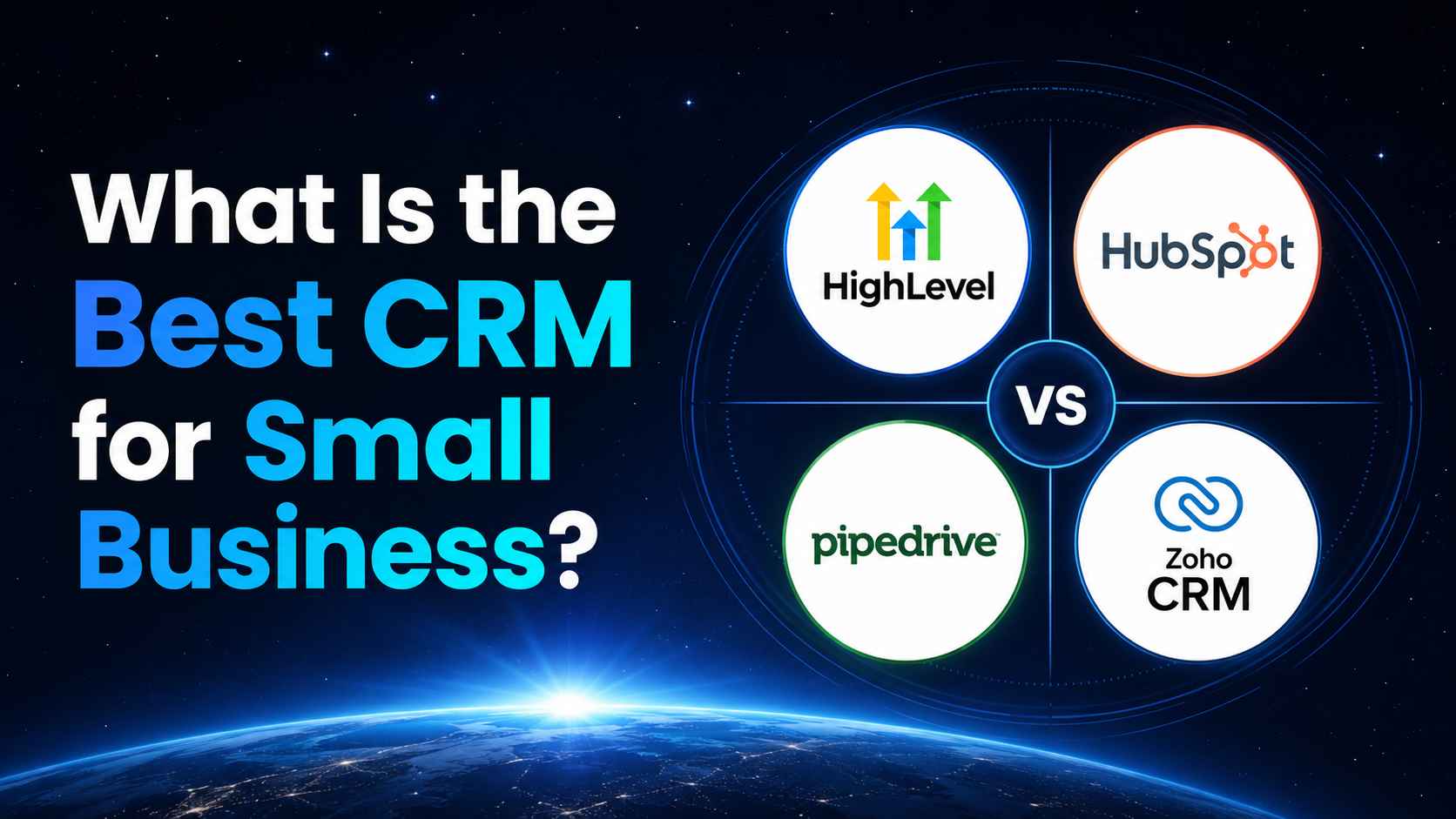
HighLevel vs HubSpot vs Pipedrive vs Zoho CRM
| CRM | Best fit | Strengths to verify | Trade-off to evaluate |
|---|---|---|---|
| HighLevel | Local businesses, marketers and agencies wanting one operational platform | CRM/pipelines, workflows, website/funnel builder, calendars, unified conversations, email/SMS, reputation, forms, payments and more in core features | Broader setup surface; telecom, AI and some add-ons have usage/separate charges |
| HubSpot | Small teams wanting a capable free starting point and broad growth ecosystem | Official free tools, contact management, email integration, pipeline and upgrade paths across marketing, sales, service and content | Advanced needs may require paid hubs/seats; verify current limits and bundle cost |
| Pipedrive | Teams prioritizing an intuitive visual sales pipeline and activity-based selling | Drag-and-drop pipeline, workflow automation, sales conversations, email tracking and sales dashboards | Marketing/service breadth may rely on add-ons or integrations |
| Zoho CRM | Businesses wanting customization and integration with the broader Zoho suite | Sales, marketing and service capabilities, customization and integrations with common office/productivity tools | Breadth and configuration can require careful implementation and governance |
Why HighLevel can be the best CRM for a local small business
HighLevel is compelling when the CRM is expected to do more than store contacts. Its current official pricing page lists CRM & Pipelines, Website & Funnel Builder, Workflow Automation, Email + SMS Marketing, Unified Conversations, Booking Calendars, Online Reputation Management, Forms/Surveys, Payments & Invoicing, and reporting among core features. The Starter plan is listed at $97/month with three sub-accounts, unlimited contacts and unlimited users; telecommunications, AI, payment processing, and certain add-ons can create extra costs.
That combination can replace several disconnected subscriptions. It is less compelling if the business needs only a lightweight contact database or if no one will own setup, data hygiene, workflow testing and ongoing improvements.
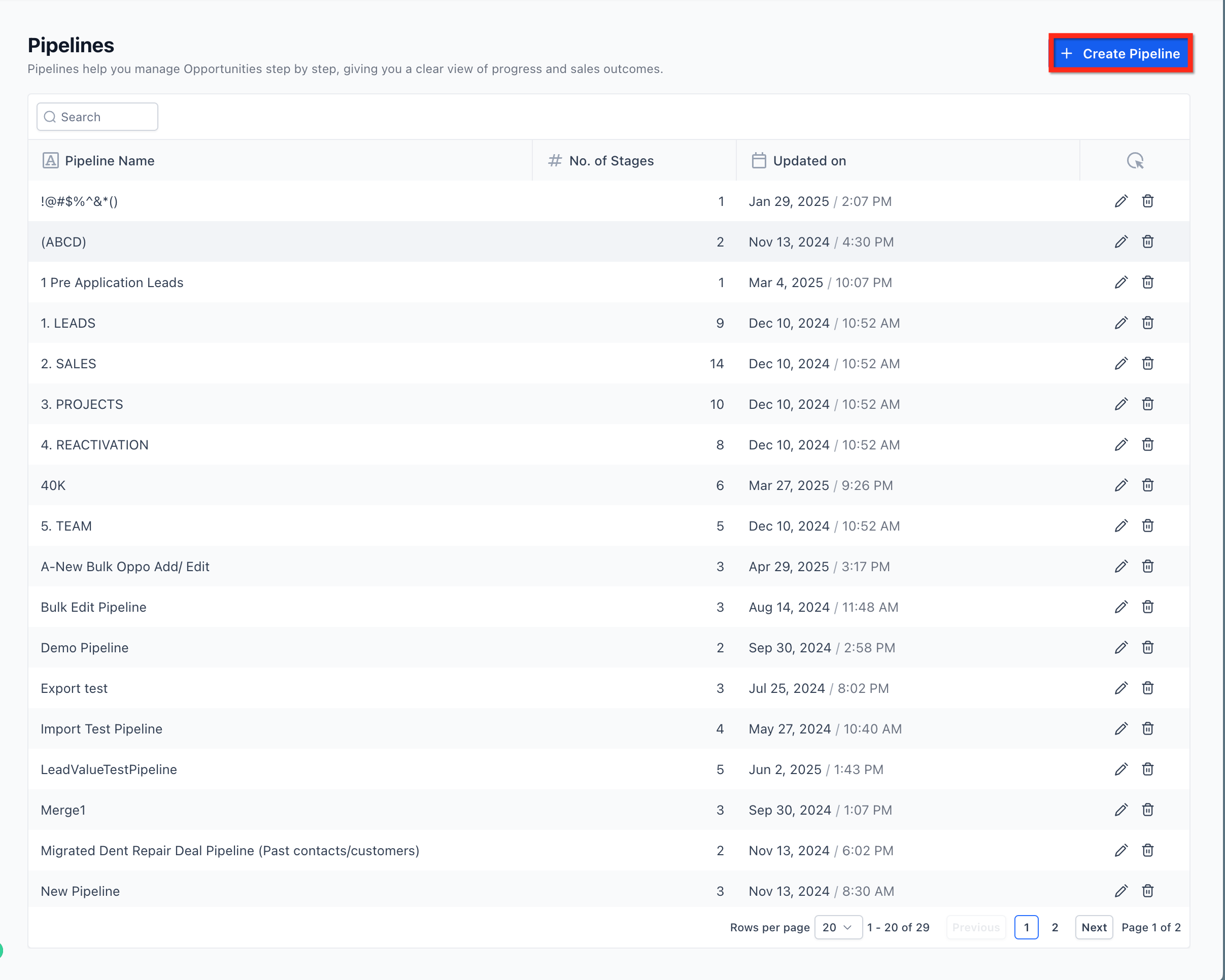
Test HighLevel against your real process
Build one pipeline, connect one lead source, automate one follow-up, and measure the result before migrating everything.
Start Your 30-Day HighLevel Trial
Affiliate disclosure: we may earn a commission if you use this link, at no additional cost to you. Usage-based and add-on charges may apply.
When HubSpot may be the better choice
HubSpot can fit a small team that wants to begin with free CRM tools and potentially expand into its marketing, sales, service, content, data and revenue products. Its official pricing page currently describes free foundational tools and a free tier for up to two users, while its small-business page emphasizes contact management, email integration, visual pipelines, task automation, mobile access and dashboards. Evaluate the cost of the exact paid capabilities, contacts and seats you expect to need.
When Pipedrive may be the better choice
Pipedrive is a strong candidate when the sales process is the center of the operation and users want a visual, activity-focused pipeline. Its official small-business page highlights drag-and-drop pipelines, workflow automation, conversation history, email opens/clicks, scheduling and dashboards. Calculate the cost of any marketing, project, calling or service capabilities you need beyond the sales core.
When Zoho CRM may be the better choice
Zoho CRM deserves consideration when the business values customization and already uses—or plans to use—the Zoho ecosystem. Official pages describe sales, marketing and service capabilities plus integrations with tools such as Google Workspace, Microsoft 365, Outlook, Twilio, Slack and Zapier. Run a proof of concept for permissions, reporting and day-to-day usability before committing to a complex configuration.
A 14-day CRM selection test
- Days 1–2: import a clean sample of 25–100 contacts and define five to seven pipeline stages.
- Days 3–4: connect one lead source and confirm source attribution.
- Days 5–6: create assignment, task, and first-response automation.
- Days 7–8: test email/calendar/mobile use with actual staff.
- Days 9–10: create the weekly owner dashboard.
- Days 11–12: test permissions, exports, duplicates and failure handling.
- Days 13–14: score adoption, time saved, data quality, coverage and total cost.
Use a weighted scorecard
| Category | Suggested weight | Score each vendor 1–5 |
|---|---|---|
| Ease of adoption | 20% | Can staff complete daily tasks without workarounds? |
| Core process coverage | 25% | Does it support capture through close/service? |
| Automation | 15% | Can it run and safely stop key workflows? |
| Reporting/data | 15% | Can owners trust the numbers? |
| Integrations/extensibility | 10% | Does it fit required systems? |
| Governance/support | 5% | Are controls and help adequate? |
| Three-year total cost | 10% | Include implementation, usage and replaced tools. |
Frequently asked questions
What is the best CRM for a very small business?
Choose the simplest system that captures contacts, next actions and pipeline accurately. HubSpot’s free tools may suit a basic start; HighLevel may offer better consolidation when calendars, messaging, funnels and reputation are also required.
Is HighLevel only for agencies?
No. HighLevel’s Starter plan is positioned for smaller businesses and solo marketers as well as agencies, but the business must still configure and operate it responsibly.
Should I choose the cheapest CRM?
Compare total operating cost. A cheaper subscription that requires several extra tools or extensive manual work may cost more overall.
When should a small business implement CRM?
Before customer data, next actions and deal status become scattered across inboxes and spreadsheets. The trigger is process complexity, not a specific employee count.
The best CRM is the one your business can operate well
When someone asks what is the best CRM for small business, the honest answer depends on process coverage, adoption and economics. Shortlist two options, build the same small proof of concept, involve the users who will live in the system, and score the evidence instead of buying from a feature checklist.
See whether HighLevel fits your scorecard
Test CRM, pipelines, workflows, calendars, forms and conversations with your own use case.
Start Your 30-Day HighLevel Trial
Affiliate disclosure: we may earn a commission if you use this link, at no additional cost to you.
Related Posts