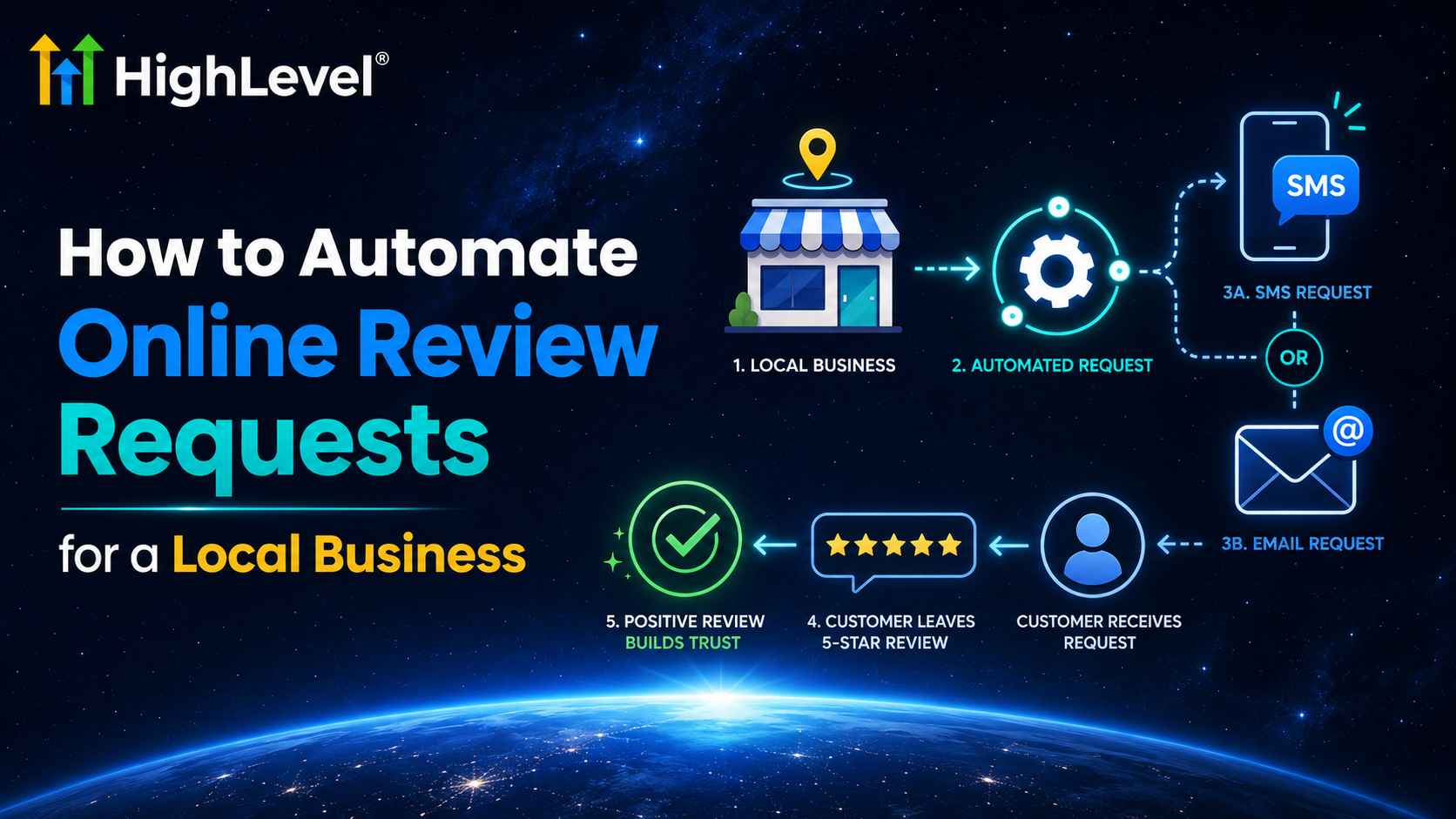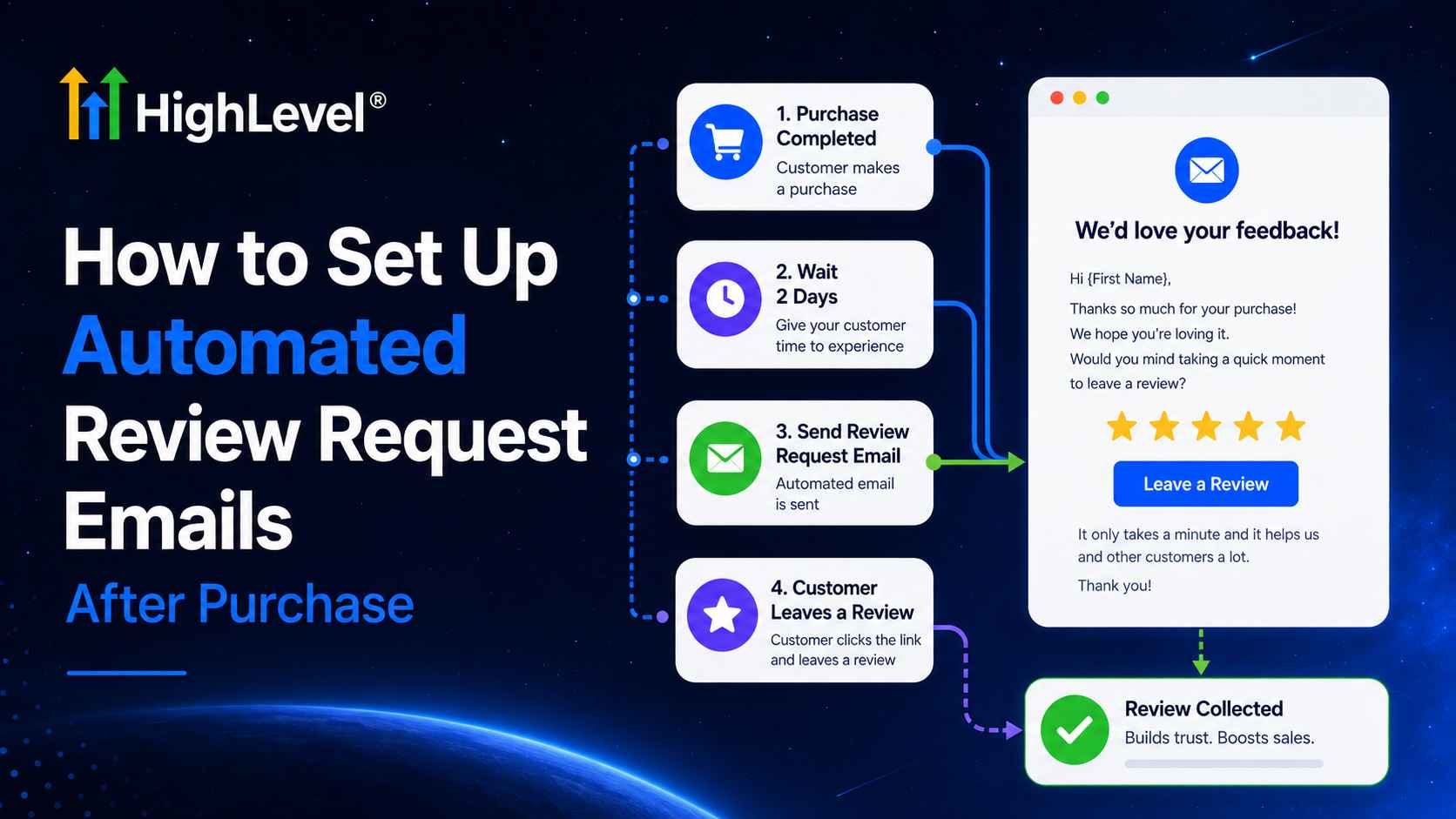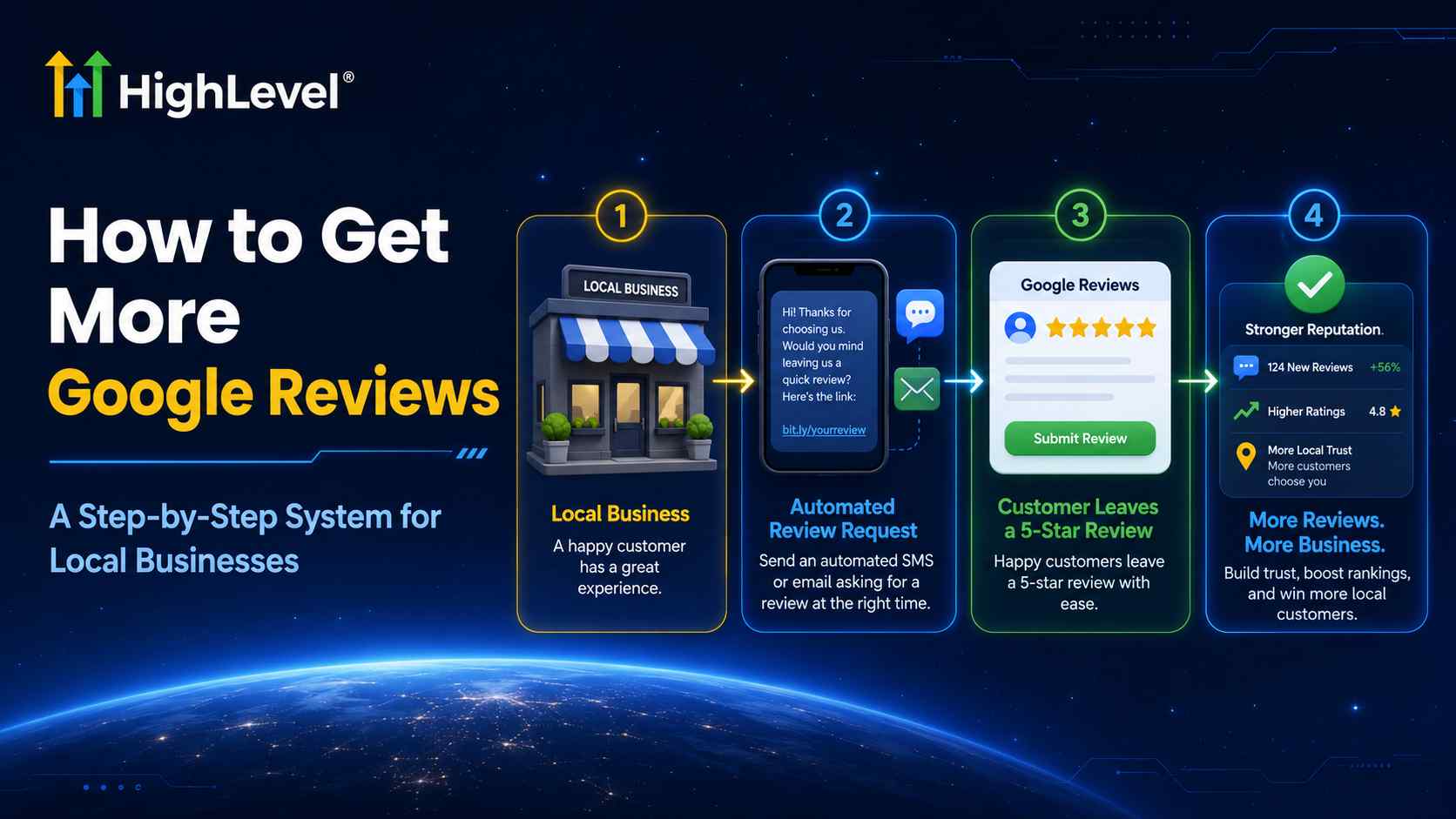
If you are wondering how to get more Google reviews, the answer is not to ask harder or offer a discount. The reliable approach is to make an honest request at the right moment, remove unnecessary friction, follow up respectfully, and repeat the process for every eligible customer.
This guide shows a manual method you can start today and a scalable HighLevel setup for local businesses. You will learn how to create the Google review link, write messages people understand, configure HighLevel Reputation Management, send requests, monitor delivery, and improve the process without violating Google’s policies.
Why your Google review process is probably inconsistent
Most businesses depend on memory. A technician finishes a job, a receptionist gets busy, or an owner plans to send a link later. The request never happens. Other companies ask too late, send a generic home-page link, or make the customer search for the listing. The customer may be satisfied, but the process creates too much effort.
A better system answers five questions:
- Who qualifies? A real customer with a genuine experience.
- What event starts the request? A completed appointment, fulfilled order, paid invoice, closed job, or verified handoff.
- Where should the link go? Directly to the correct Google Business Profile review flow.
- What happens if they do not click? One or two measured reminders, not an endless campaign.
- How is performance measured? Requests sent, delivered, clicked, reviews received, response time, and review velocity.
How to get more Google reviews without breaking Google policy
Google explicitly permits businesses to encourage genuine reviews, but prohibits incentives, selective solicitation of positive reviews, fake engagement, and rating manipulation. A satisfaction survey can be useful for service recovery, but it should not be used as a gate that sends only positive respondents to Google.
The seven-part Google review growth system
| Part | Decision | Good default |
|---|---|---|
| Trigger | When has value clearly been delivered? | Completed service or fulfilled order |
| Audience | Who receives the request? | All eligible real customers |
| Channel | Where are they most responsive? | SMS first; email as support |
| Timing | When is the experience fresh? | Minutes to 24 hours after completion |
| Message | Can they understand the request quickly? | Thank you + honest request + direct link |
| Retries | How many reminders are reasonable? | One after 2–3 days; optional final reminder |
| Stop rule | When should messages end? | After click, reply, opt-out, or max retries |
How to get more reviews on Google manually
- On a computer, open the correct Google Business Profile.
- Select Read reviews, then Get more reviews.
- Copy the short review link or download the QR code.
- Add the link to receipts, post-service emails, texts, chat closings, and printed materials.
- Track the customers you asked so you do not send repeated manual messages.
Google notes that review QR codes are currently generated from a desktop browser. The direct link is better than sending customers to your website home page because it removes extra steps.
Simple review request templates
SMS: “Hi {{contact.first_name}}, thank you for choosing {{location.name}}. Would you share your honest experience? It takes about a minute: {{reputation.review_link}}”
Email subject: “How did we do, {{contact.first_name}}?”
Email: “Thank you for trusting us with [service]. Your honest feedback helps other customers make an informed decision and helps our team improve. You can share your experience here: [Review link].”
Turn review requests into a repeatable system
Use HighLevel to connect your review link, send requests, track delivery, and automate follow-up from the same platform as your CRM.
Start Your 30-Day HighLevel Trial
Affiliate disclosure: we may earn a commission if you use this link, at no additional cost to you. Messaging and other usage-based charges may apply.
Visual tutorial: get more Google reviews with HighLevel
Step 1: Connect the review destination
In the correct sub-account, connect the correct Google Business Profile location. Then open Reputation → Settings → Review Link. Use the connected Google destination or a custom direct link. Test it in a private window before sending anything.
Step 2: Enable review requests
Confirm that review requests are enabled in the sub-account. HighLevel requires a connected Google profile or a third-party review link, enabled requests, and—optionally—customized outbound SMS and email messages.

Step 3: Configure the SMS request
Open Reputation → Settings → SMS Requests. Enable the channel, choose when the first message sends, set the interval between retries, define a maximum retry count, and create a message containing {{reputation.review_link}}. Keep the message short and identify the business.
Step 4: Configure the email request
Open Email Requests, enable it, set timing, and create or import an email template. Add one primary review button. Assign the initial “Live” template and each retry template; simply enabling the channel does not assign the sequence.
Step 5: Send one request manually as a test
Use Quick Actions or open Reputation → Requests and send to a test contact. Verify the sender name, phone/email delivery, mobile layout, business name, and final destination. A request that opens the wrong location can damage the process.

Step 6: Automate only after the manual test works
Go to Automation → Workflows. Choose a reliable completion event, such as Appointment Status = Showed/Completed. Add a short wait when appropriate, then add the Review Request action and select SMS or email. HighLevel’s action uses the content configured in Reputation Settings.

Step 7: Monitor request status and review velocity
Review the Requests screen regularly. HighLevel distinguishes queued, sent, delivered, and failed statuses (delivery details depend on the channel/provider). Fix invalid phone numbers, sender configuration, and broken links. Compare review growth by week or month; do not judge the system from a single day.
When should you ask?
- Home services: shortly after the technician closes the job and the customer confirms completion.
- Medical, dental, wellness: after the completed appointment, using privacy-conscious wording that does not reveal treatment.
- Restaurants: at the end of a completed visit, through a receipt or follow-up message.
- Professional services: after a defined milestone or successful handoff.
- Ecommerce: after delivery or fulfillment—not immediately after payment, before the product is experienced.
- Real estate: after a showing milestone, closing, or documented service outcome.
Metrics that reveal the bottleneck
| Metric | What it tells you | First action |
|---|---|---|
| Eligible customers | Size of the real request pool | Define the trigger accurately |
| Request rate | Whether the team/system asks consistently | Automate missed requests |
| Delivery rate | Contact-data and sender health | Clean phone/email data |
| Click rate | Message clarity and timing | Test timing and CTA |
| Review completion rate | Friction after the click | Verify the direct review destination |
| Response rate | How consistently the business replies | Set an ownership SLA |
Frequently asked questions
How can I get more reviews on Google quickly?
Start with recent eligible customers, use the direct link, and ask immediately after value is delivered. Avoid sudden artificial spikes, incentives, or purchased reviews.
How do I get more Google reviews for my business if customers forget?
Send one polite reminder after two or three days and, if appropriate, a final reminder later. Stop after a click, reply, opt-out, or your retry limit.
Can I offer a discount for a Google review?
No. Google prohibits incentives such as discounts, payment, free goods, or services in exchange for posting, changing, or removing a review.
Should I ask only satisfied customers?
No. Selectively soliciting positive reviews is prohibited by Google’s Maps content policy. Use a neutral request for all genuinely eligible customers.
Does HighLevel write the review for the customer?
No. The customer should describe a genuine experience in their own words. HighLevel helps deliver and track the request.
Build trust, not just a higher star count
The strongest answer to how to get more Google reviews for my business is a system customers can trust: request honest feedback consistently, remove friction, respect consent and opt-outs, and respond to what customers say. HighLevel can make the delivery repeatable, but the reputation still comes from the experience your business creates.
Set up your review system in HighLevel
Start with one tested template and one reliable completion trigger, then expand carefully.
Start Your 30-Day HighLevel Trial
Affiliate disclosure: we may earn a commission if you use this link, at no additional cost to you.
Related Posts