Disclosure: I’m an independent HighLevel affiliate, not a HighLevel employee. I earn a commission if you sign up or join the affiliate program through my links, at no extra cost to you. The opinions here are my own, not HighLevel’s.
“Where do I log in?” is the most common question new HighLevel affiliates ask, and it’s a fair one. There are two different doors to the same portal, and which one you use depends on whether you’re also a HighLevel customer.
Two ways to log in
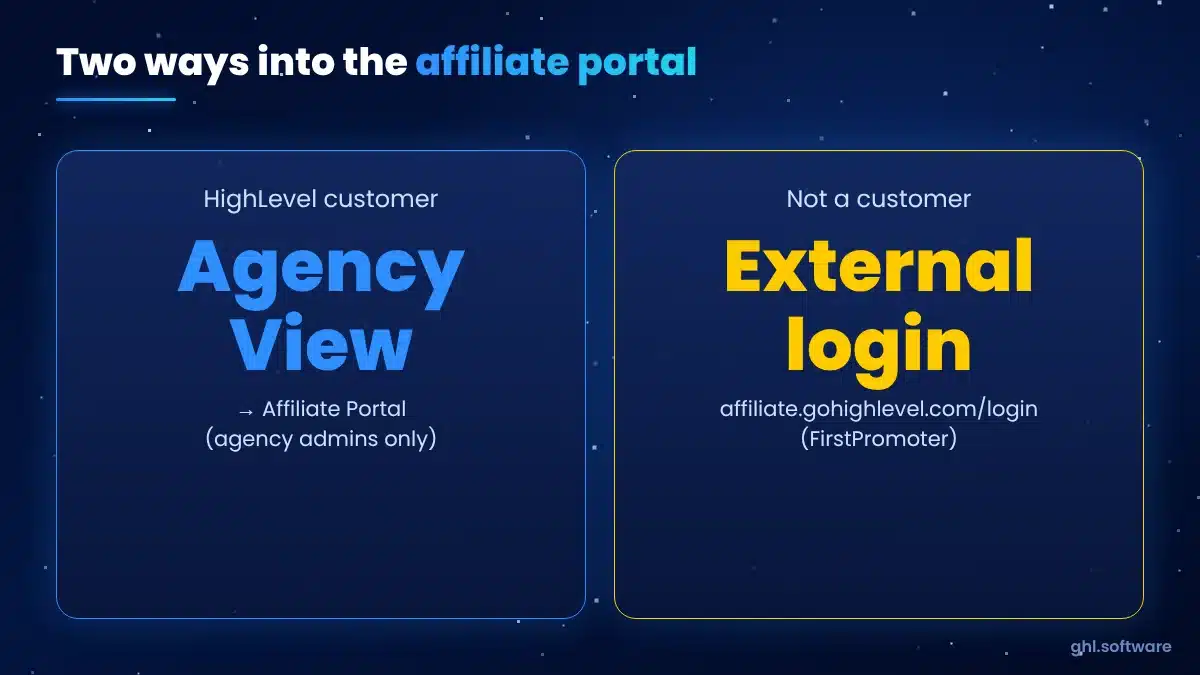
From inside HighLevel
Log in to your account → switch to Agency View → Affiliate Portal. Only agency admins see it. If you can’t find it, check your user role under Agency Settings → Team.
External login
Go to affiliate.gohighlevel.com/login and use the email you registered with. This is for affiliates without a HighLevel subscription, or when you just want the portal.
Not registered yet? See how to become a GoHighLevel affiliate.
A tour of the dashboard
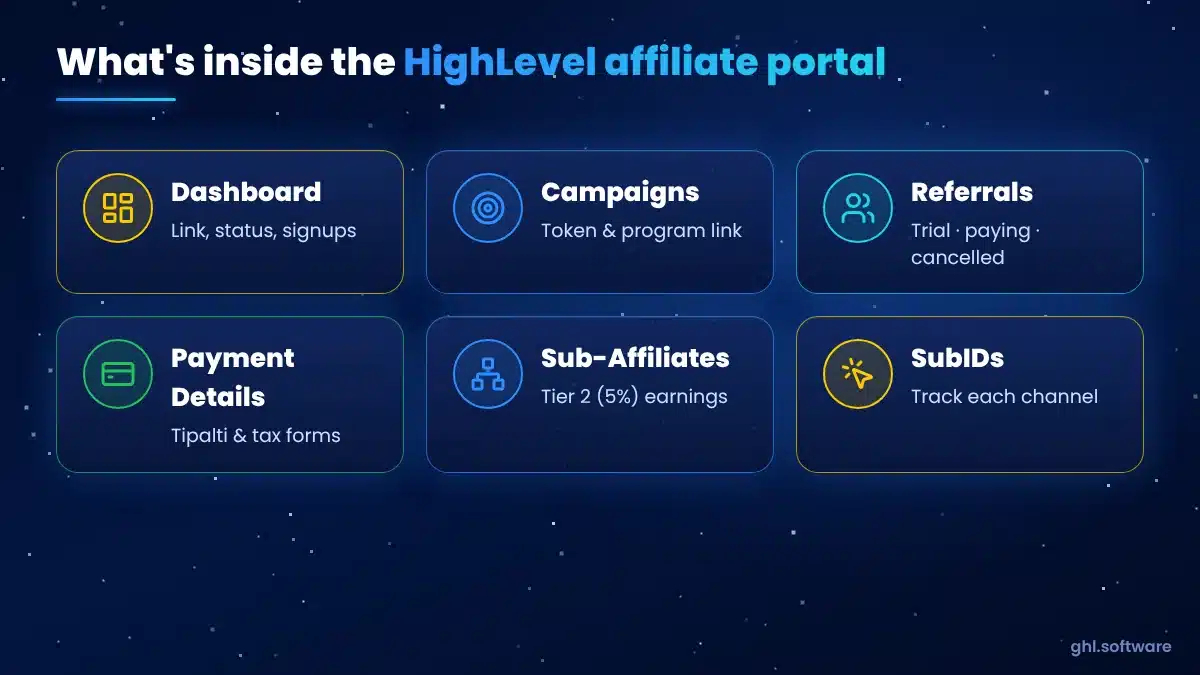
Dashboard
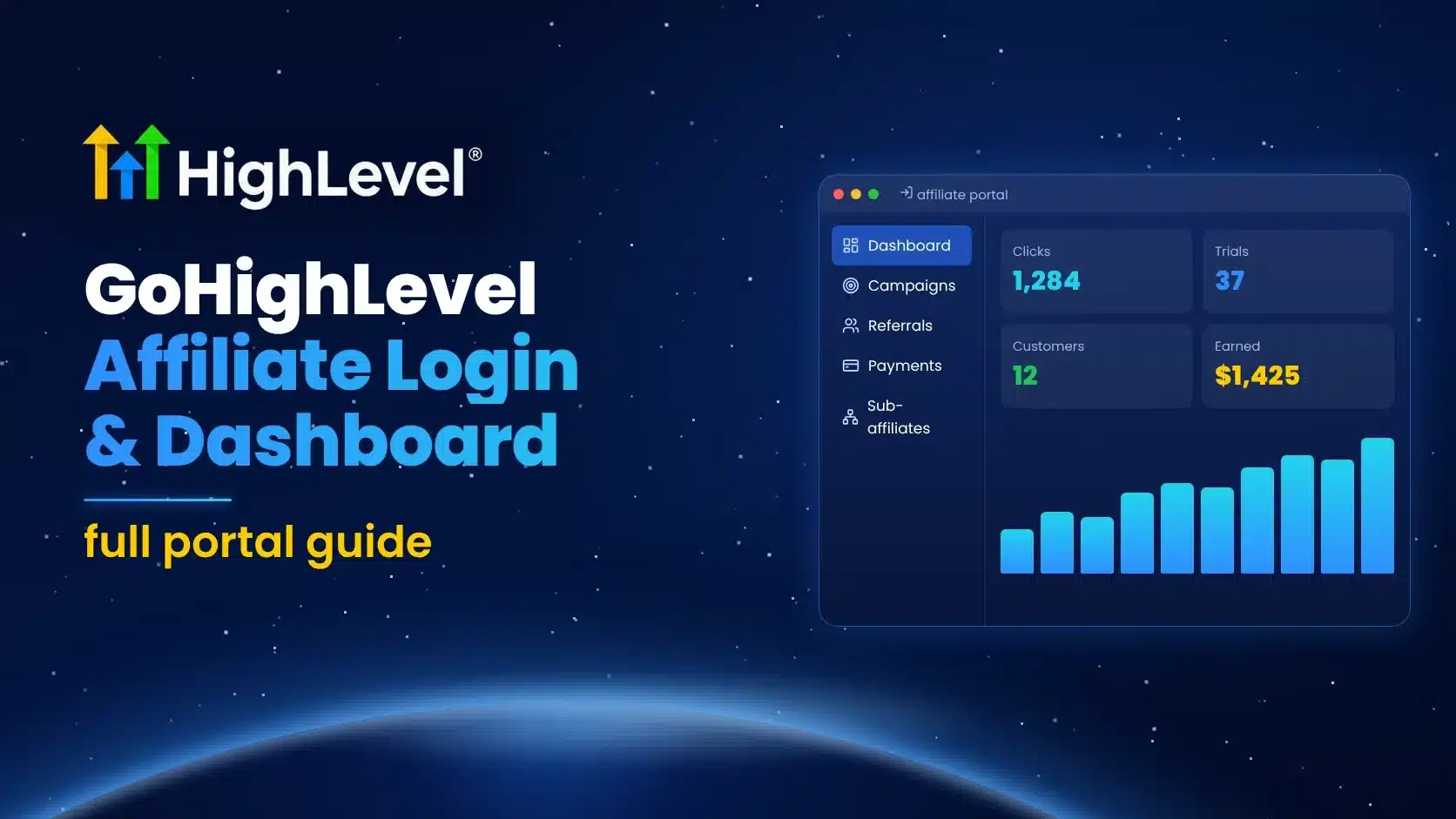
Your main affiliate link (promoter referral code), status, progress and signups at a glance.
Campaigns
Select the HighLevel Affiliate Program campaign. One link covers the program; you don’t need separate links per campaign. This is also where you customize your token.
Referrals
Recent signups from your links, broken down into trial, customer, paying and cancelled. Turn on email notifications to hear about new or changed referrals.
Payment Details
Tipalti setup, payout method and tax forms. Remember that anyone with agency admin rights can see this section.
Sub-Affiliates
Affiliates you recruited and your level 2 (5%) commissions. Active HighLevel affiliates you referred are added automatically. More in our second-tier guide.
HighLevel notes that the portal is being updated, so labels and screens may differ slightly from what you see.
Customize your referral token (do it first)
- Open the HighLevel Affiliate Program campaign.
- Click Customize Token and enter something recognizable, like your brand name.
- Save, then update every place you’ve already shared your link.
Track every channel with SubIDs
One affiliate ID can carry several link variations. Create one per channel (for example youtube, blog, newsletter) so the portal shows which sources bring clicks, trials and paying customers. HighLevel only counts unique link clicks, so the numbers are cleaner than raw traffic.
| Channel | Example SubID | What to watch |
|---|---|---|
| YouTube description | yt-tutorials | Trials vs paying customers |
| Blog comparisons | blog-compare | Paying customers per article |
| Email newsletter | newsletter | Click-to-trial rate |
| Community / group | community | Long-term retention |
Can’t log in? Quick fixes
- No Affiliate Portal in the menu: you’re in a sub-account, not Agency View, or your user isn’t an agency admin.
- External login rejects your email: use the exact email you registered with; reset the password from the login page.
- Links stopped working: you probably changed your token. Re-copy links from the dashboard.
- Payout questions: email [email protected], or read our payouts guide.
- Anything else: HighLevel’s support chat and weekly affiliate Q&A can help, and your affiliate manager can answer account-specific questions.
Join the HighLevel Affiliate Program
Don’t have a login yet? Join free and get your affiliate link today.
Become a HighLevel Affiliate →
Disclosure: if you join through this link, HighLevel may pay me a second-tier commission. Approval is up to HighLevel. Check current terms on the destination page.
Frequently Asked Questions
What is the GoHighLevel affiliate login URL?
affiliate.gohighlevel.com/login. HighLevel customers can also open Agency View → Affiliate Portal.
Why can’t I see the Affiliate Portal in HighLevel?
It only appears in Agency View for agency admins. Switch out of the sub-account or check your user role.
Can I change my affiliate link?
Yes, with Customize Token, but links using the old token stop working.
What platform runs the HighLevel affiliate portal?
FirstPromoter powers the tracking and the portal; payouts go through Tipalti.
Where do I see my sub-affiliates?
In the Sub-Affiliates tab of the Affiliate Portal, along with your level 2 commissions.
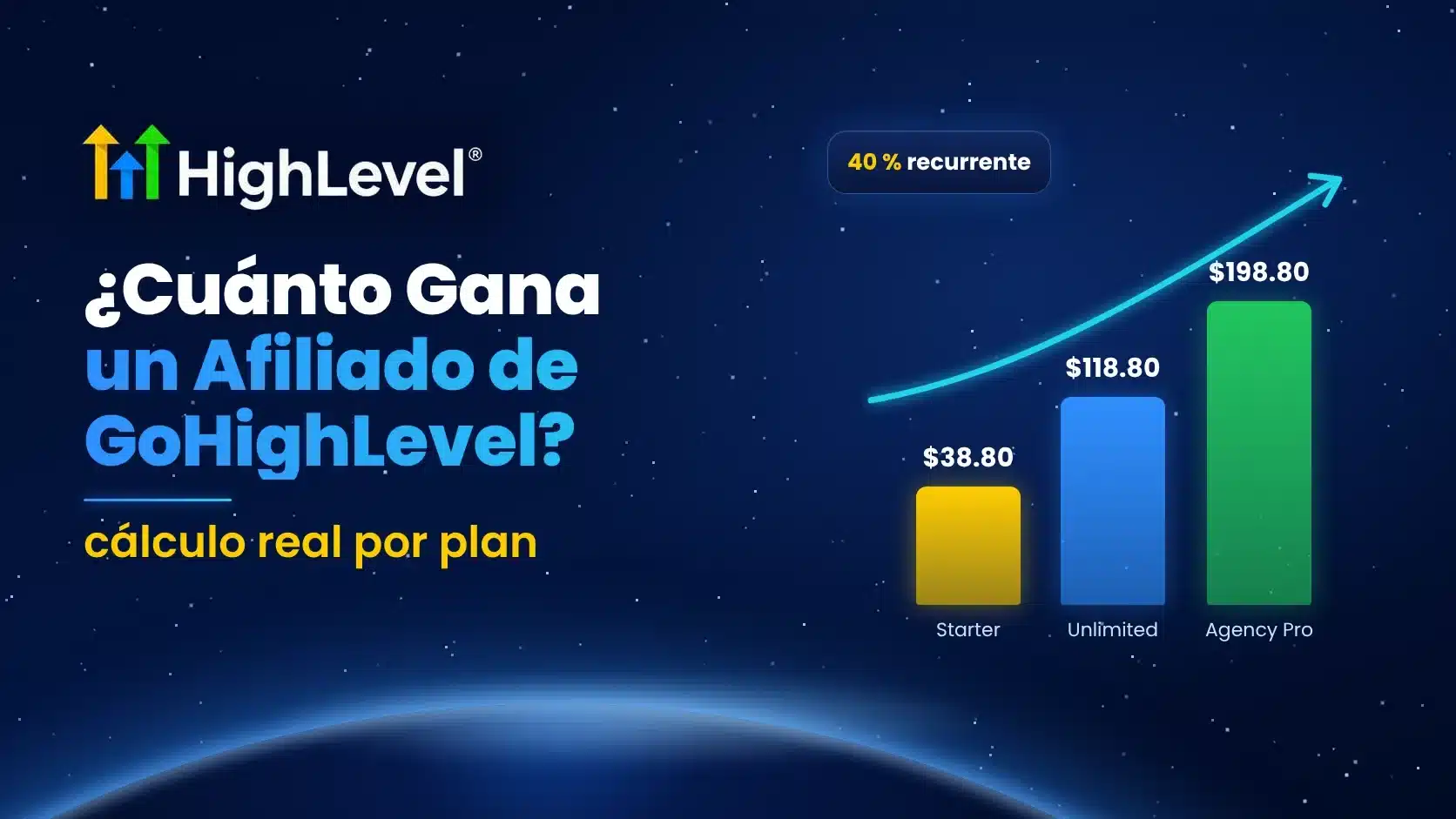
Every dollar figure in this article is plan math based on HighLevel’s public pricing, not an earnings claim. Most affiliates earn little or nothing; results depend on your audience, your work and customer retention.
Related Posts