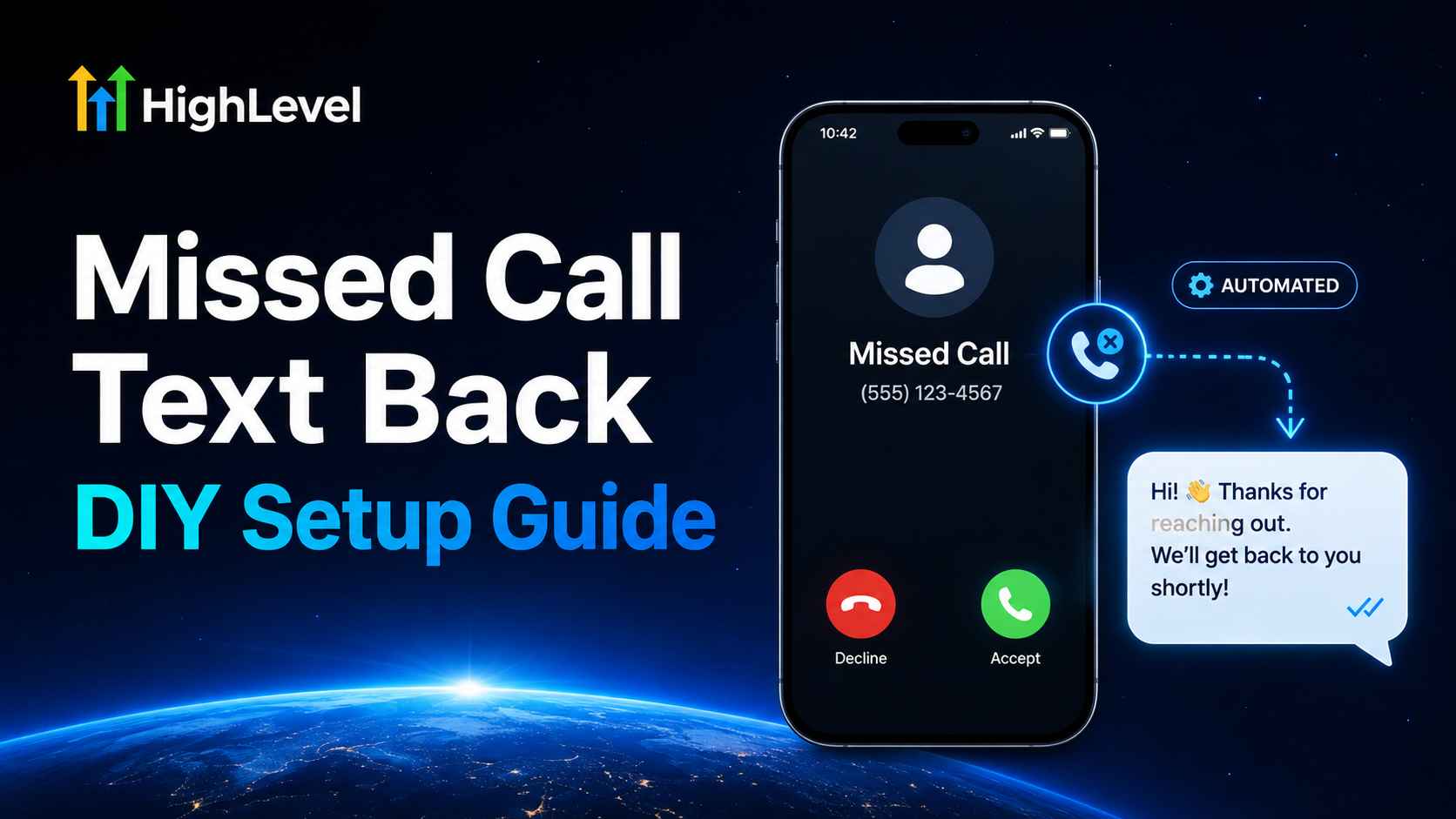
Small businesses miss calls for normal reasons: the team is helping another customer, driving to a job, meeting a client, or answering after-hours inquiries the next morning. The problem is not the missed call itself. The problem is allowing a high-intent caller to hear nothing and move on.
A missed call text back service for small business automatically sends an SMS after an unanswered inbound call. The message acknowledges the caller, opens a two-way conversation, and can guide the lead toward a quote or appointment.
You can pay a provider to manage this for you, or you can install it yourself. If an agency quotes $197 per month for a basic missed-call response package, HighLevel’s Starter plan currently costs $97 per month and includes the core phone, SMS, CRM, workflow, conversation, pipeline, and calendar capabilities needed to build the system. Phone numbers, calls, messages, carrier fees, and registration are usage-based and are not included in the $97 subscription.
Quick answer: If you only need a straightforward missed call text back service, the DIY route can reduce the base subscription difference by about $100 per month—or $1,200 per year—while giving you access to the rest of HighLevel. An agency may still be worth paying when you need custom strategy, implementation, monitoring, compliance help, or ongoing optimization.
Table of contents
- What is a missed call text back service?
- $197 managed service vs. $97 DIY setup
- What you need before starting
- How to install it in HighLevel: visual tutorial
- How to text back a missed call manually
- Text message templates
- Optional workflow for duplicate protection
- Testing checklist
- When to DIY and when to hire help
- Frequently asked questions
What is a missed call text back service?
A missed call text back service detects an unanswered call to your business number and immediately sends a prewritten SMS. A simple message might say:
“Hi, this is {{location.name}}. Sorry we missed your call. How can we help?”
The caller can reply by text instead of leaving a voicemail or waiting for a callback. In HighLevel, that reply can appear in Conversations, attach to a contact, notify a team member, update an opportunity, and lead to a booking page.
The automatic SMS is the entry point—not the whole system. A useful setup also answers four operational questions:
- Who owns the reply?
- How quickly should a person respond?
- What should happen after hours?
- How will you track whether the missed call became an appointment or customer?
For a deeper explanation of the automation, read our missed call text back guide. To compare platform requirements before buying, see our missed call text back software buyer’s guide.
$197 managed service vs. $97 DIY HighLevel setup
The following is an illustrative comparison for a small business that has received a $197 monthly quote. Agency packages and inclusions vary, so compare the actual proposal—not just the headline price.
| Cost or capability | Managed service example | DIY with HighLevel Starter |
|---|---|---|
| Base monthly price | $197 example quote | $97/month current Starter price |
| Base annual price | $2,364 | $1,164 when paid monthly |
| Base-price difference | — | $100/month or $1,200/year |
| Initial configuration | May be included | You follow the tutorial below |
| Ongoing optimization | May be included | You monitor and improve it |
| Phone and SMS usage | May be included, marked up, or separate | Usage-based and separate from $97 |
| Other tools | Depends on package | CRM, workflows, calendars, funnels, reputation tools, and more |
| Control and ownership | Depends on contract and account access | You control the account and configuration |
Pricing note: HighLevel’s official pricing page lists Starter at $97/month with all core features and states that usage-based charges apply. The native phone system bills numbers, voice, SMS/MMS, carrier fees, and applicable registration separately. Prices and rules can change; confirm the current checkout and in-app billing information for your country.
Build it yourself and keep control
Start with HighLevel Starter, follow the visual tutorial below, and test the complete missed-call experience.
No contracts • Cancel anytime. Disclosure: we may earn a commission if you start a trial through this link, at no additional cost to you.
What you need before starting
- A HighLevel account: the $97 Starter plan is designed for small businesses, solo marketers, and new users.
- A sub-account: complete the Business Profile with your name, timezone, address, and contact information.
- A business phone number: purchase or connect an appropriate number and set the number that will send replies.
- Messaging registration and consent: complete any required registration and maintain the consent and opt-out processes applicable to your audience.
- A short message: prepare one business-hours version and, when useful, one after-hours version.
- An owner: decide which person will monitor Conversations and respond when the caller needs a human.
How to install a missed call text back service in HighLevel
The screenshots below come from HighLevel’s current official setup documentation. Interfaces evolve, so use the labels and navigation path as your primary guide if a control moves.
Step 1: Open Settings in the correct sub-account
Sign in to HighLevel and enter the location or sub-account that owns the business number. Click Settings in the lower-left corner. Confirm that you are not in the agency-level view before editing phone behavior.

Step 2: Navigate to Phone System and Voice
In Settings, choose Phone System. Open the Voice area, select Voicemail & Missed Call Text Back, and then choose Missed Call Text Back from the side panel.

Step 3: Enable Missed Call Text Back
Select Enable Missed Call Text Back. Click Customize to replace the generic text with a message that matches your business and creates an easy reply.

Step 4: Write the automatic SMS
Keep the first message short. Identify the business, apologize for missing the call, and ask one question. You may use supported custom values, but remember that a new caller may not already have a recognized name in the CRM.
Recommended starting message:
Hi, this is {{location.name}}. Sorry we missed your call. What can we help you with today? Reply STOP to opt out.

Step 5: Send a test and save
Enter a phone number you control and send a test. Review the sender number, business name, line breaks, message length, opt-out language, and links on a real mobile device. Save the setting only after the test looks correct.

Step 6: Set the incoming call timeout
Return to the Voicemail section and choose how long the phone should ring before the call is treated as missed. HighLevel’s guide recommends a timeout of 20 seconds or less. Balance enough time for your team to answer with a fast experience for the caller.

Step 7: Make a real missed call and reply
Call the business number from a phone that is not already signed in to the account. Let the call time out, confirm the SMS arrives, and reply to it. Open Conversations in HighLevel and verify that the message appears under the correct contact and number.
Step 8: Assign ownership and measure results
Decide who answers replies and what happens if that person is unavailable. Track missed calls, delivered messages, replies, response time, appointments, opportunities, won deals, and opt-outs. A working automation is not the same as a profitable one.
How to text back a missed call manually
If you do not want the automatic service enabled for every call, you can still respond manually:
- Open Conversations after receiving the missed-call notification.
- Search for the phone number or open the caller’s contact record.
- Select SMS and confirm the correct business number is being used.
- Send a short acknowledgment and ask one useful question.
- Assign the conversation or create a follow-up task when another person must respond.
A manual reply is appropriate for low call volume or sensitive conversations. Automatic text back is better when speed and consistency matter and the message is suitable for most callers.
Missed call text back templates for small businesses
General small business
Hi, this is {{location.name}}. Sorry we missed your call. What can we help you with today? Reply STOP to opt out.
After-hours message
Thanks for calling {{location.name}}. Our office is closed, but we received your call. Reply with what you need and we’ll follow up when we reopen. Reply STOP to opt out.
Home services
Sorry we missed you. What service do you need, and what ZIP code is the property in? A team member will review your reply. Reply STOP to opt out.
Appointment-based business
Hi, this is {{location.name}}. Are you calling to book, reschedule, or ask a question? Reply here and we’ll help. Reply STOP to opt out.
Do not make guarantees the business cannot fulfill. Avoid promising a five-minute callback unless someone is actually scheduled to meet that standard.
Optional: prevent duplicate texts with a workflow
HighLevel states that the native setting can send an SMS for every missed attempt. If someone calls several times in a short period, create a controlled version with HighLevel workflows.
- Create a workflow triggered by the appropriate missed-call or call-status event available in your account.
- Check whether the contact already has a tag such as Missed Call Text Sent.
- If the tag is absent, send the SMS and add the tag.
- Add a wait period of approximately 20 minutes or the cooldown that fits your business.
- Remove the tag after the wait so a later missed call can start a new response.
- Add a reply-based wait or notification so a team member takes over when the caller responds.
Test workflow re-entry carefully. The goal is to prevent rapid duplicates without suppressing a legitimate message when the same customer calls again days later.
Testing checklist before going live
- Call once during business hours and once after hours.
- Call twice within a few minutes and check duplicate behavior.
- Test a new caller and an existing CRM contact.
- Reply by SMS and verify the conversation appears in HighLevel.
- Test links, custom values, STOP handling, and message length.
- Confirm the correct user receives the notification.
- Book an appointment and verify the calendar and pipeline update.
- Review the wallet and actual phone and messaging charges.
Should you DIY or hire an agency?
DIY is usually a good fit when:
- You have one business, a straightforward phone setup, and a small team.
- You can spend a few hours configuring and testing the system.
- You want account ownership and are comfortable monitoring basic reports.
- You also need CRM, calendars, pipelines, reviews, funnels, or follow-up automation.
Paying for professional help may be worthwhile when:
- You have several locations, departments, numbers, services, or complex routing.
- You need custom integrations, migrations, or advanced workflow logic.
- Your industry has sensitive privacy, consent, or recordkeeping requirements.
- No one internally can own testing, monitoring, and optimization.
- The agency’s $197 package includes meaningful work beyond basic access and setup.
The right comparison is not “agency bad, software good.” It is the value of expertise and ongoing service versus the time and control of doing it yourself. Ask every provider to itemize setup, software access, usage charges, support, reporting, account ownership, and cancellation terms.
Frequently asked questions
What is a missed call text back service for small business?
It is a system that sends an automatic SMS after a business misses an inbound call. The caller can reply, and the business can continue the conversation, qualify the request, or offer appointment booking.
How do I text back a missed call?
You can reply manually from HighLevel Conversations or enable the native Missed Call Text Back setting under Settings → Phone System → Voice → Voicemail & Missed Call Text Back.
Can I install the service myself?
Yes. A small business with a straightforward phone setup can follow the visual tutorial above, send test messages, and activate the feature without hiring an agency.
Does HighLevel Starter cost $97 per month?
HighLevel’s current official pricing lists Starter at $97 per month. It includes all core features, but phone numbers, calling, SMS/MMS, carrier fees, registration, and certain optional products are billed separately.
Will DIY always cost exactly $97 per month?
No. The $97 figure is the Starter subscription. Your total also depends on number rental, calls, messages, carrier fees, registration, add-ons, taxes, and the amount of staff time you invest.
Why would an agency charge $197 or more?
A managed service may include account setup, number registration assistance, workflow design, message writing, support, reporting, monitoring, optimization, and software access. Ask for an itemized proposal so you can compare it fairly with DIY.
Can the text include a booking link?
Yes. You can include a HighLevel calendar link, although many businesses get better routing by first asking which service or location the caller needs.
Can repeated missed calls send duplicate texts?
Yes. HighLevel warns that the native feature can trigger for each missed attempt. Use a workflow with a wait period, tags, or filters when you need duplicate-message protection.
Install the service, test it, and measure real outcomes
A missed call text back service for small business does not need to be mysterious. The native HighLevel setting can be enabled in a few steps, and the Starter plan gives you room to connect replies with contacts, workflows, pipelines, calendars, and reporting.
If you have been quoted $197 per month for a basic service, compare that offer with a $97 DIY subscription plus realistic usage costs. Keep the agency option when its expertise and ongoing work justify the difference. Choose DIY when you want control, can follow the setup process, and will actually monitor the conversations it creates.
Ready to install your own missed call text back?
Start HighLevel, follow the six-image tutorial, test the workflow with a real missed call, and measure the appointments you recover.
Try GoHighLevel Free for 30 Days
No contracts • Cancel anytime. Disclosure: we may earn a commission if you start a trial through this link, at no additional cost to you.
Related Posts